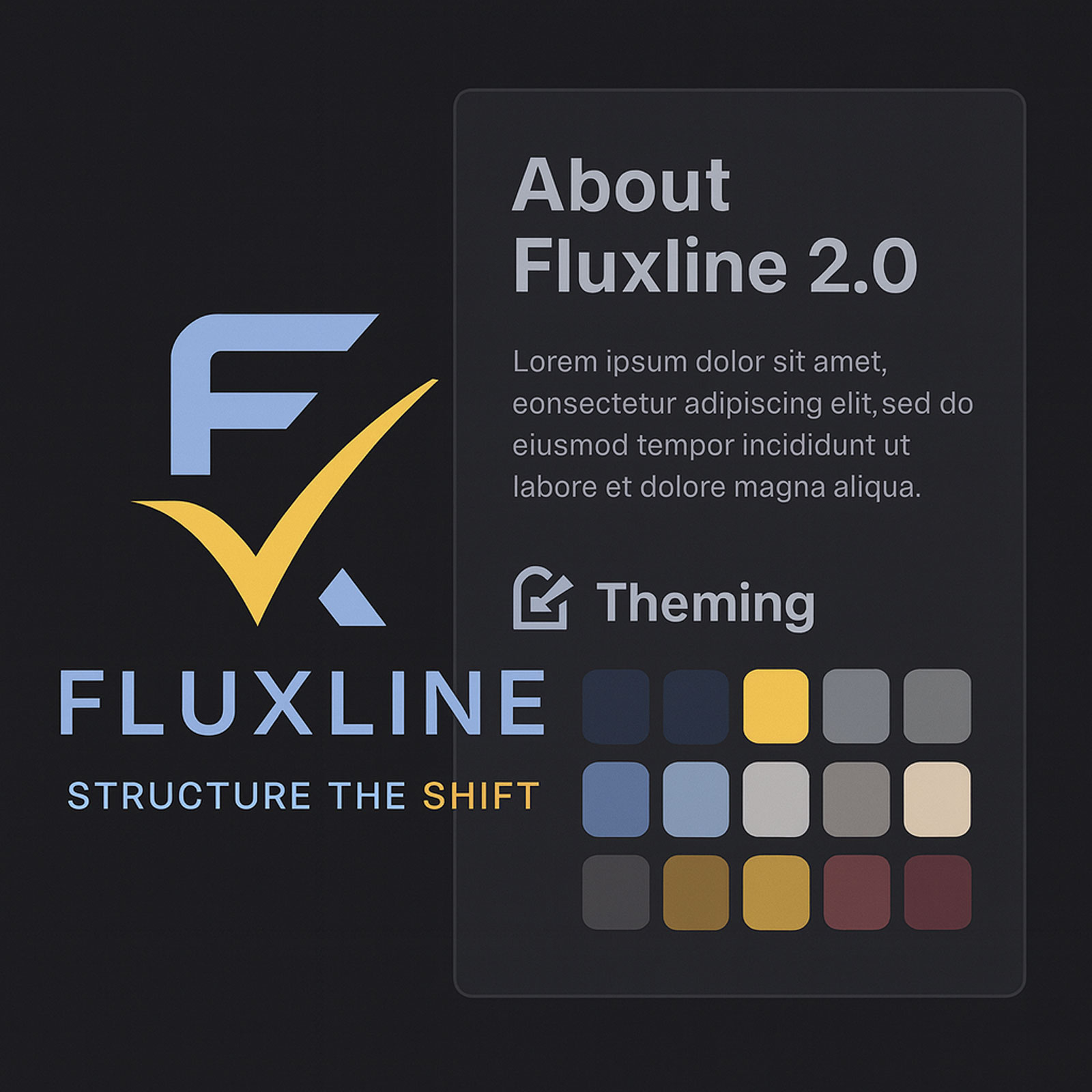
Design Systems for Scalable Applications
Explore how design systems enable consistency, efficiency, and scalability in modern application development.
Design Systems for Scalable Applications
A well-designed design system is the foundation of scalable, maintainable, and consistent applications. This article explores the principles and practices for creating effective design systems.
What is a Design System?
A design system (or DSM) is a toolkit of reusable parts and clear rules that help teams build applications faster and more consistently. It’s not just about components—it’s about creating a shared language between design and development.
Core Building Blocks
- Design Tokens → The basics: colors, fonts, spacing, shadows, etc.
- Component Library → Ready-to-use UI pieces like buttons, forms, and modals.
- Patterns → Common layouts and interaction flows that solve recurring problems
- Guidelines → Documentation that explains when and how to use components.
- Tools → Design software, code libraries, and docs that keep everything connected.
Why Design Systems Matter
- Consistency → A unified look and feel across every product and platform
- Efficiency → Build faster by reusing components instead of reinventing them
- Scalability → Easy to grow, adapt, and maintain as your product, brand, or business evolves.
- Collaboration → Designers and developers speak the same language.
- Quality → Components are tested, refined, and reliable—raising the overall bar.
Key Takeaway
A design system isn’t just a library of buttons—it’s a living framework that scales with your product and your team. By investing in one, you create a foundation for speed, consistency, and long-term success.
Building a Design System
Step 1: Define Design Tokens
// Example: Design tokens configuration, including colors, layouts, breakpoints, typography, and so on.
export const designTokens = {
  colors: {
    primary: '#274470',
    secondary: '#50E6FF',
    background: '#FFFFFF',
    text: '#333333',
  },
  typography: {
    fontFamily: 'Inter, system-ui, sans-serif',
    fontSize: {
      small: '12px',
      medium: '14px',
      large: '20px',
    },
  },
  spacing: {
    xs: '4px',
    sm: '8px',
    md: '16px',
    lg: '24px',
    xl: '32px',
  },
};
Step 2: Create Component Library
Build reusable components that implement your design tokens:
- Buttons
- Forms
- Cards
- Navigation
- Modals
- Data tables
Step 3: Document Everything
Clear documentation is crucial for adoption:
- Component API documentation
- Usage examples and best practices
- Accessibility guidelines
- Design principles
Step 4: Implement Versioning
Use semantic versioning to manage changes and updates to your design system.
Integration with Fluent UI
At Fluxline, we leverage Fluent UI as the foundation for our design system, extending it with custom themes and components:
// Example of using the design system with React hooks and JSX to create a button component
import { useAppTheme } from '@/theme/hooks/useAppTheme';

export function ThemedButton() {
  const { theme } = useAppTheme();

  return (
    <button
      style={{
        backgroundColor: theme.palette.themePrimary,
        color: theme.palette.white,
        padding: theme.spacing.m,
        borderRadius: theme.effects.roundedCorner2,
      }}
    >
      Click Me
    </button>
  );
}
Best Practices
- Start Small: Begin with foundational elements and components, then expand gradually
- Design for Accessibility: Build accessibility in from the start
- Maintain Flexibility: Allow customization while maintaining consistency
- Iterate Based on Feedback: Continuously improve based on user needs
- Automate Testing: Ensure components work across all scenarios
Challenges and Solutions
- Adoption: Provide excellent documentation and examples
- Maintenance: Dedicate resources to ongoing support
- Evolution: Balance stability with innovation
- Customization: Allow theming and configuration
Conclusion
A well-implemented design system is an investment that pays dividends in consistency, efficiency, and scalability. By following best practices and continuously iterating, you can create a design system that empowers your teams and delights your users.
Let's Connect
→ Book a session with us
→ Explore more about the Fluxline philosophy
Related Resources
- Fluxline Glyph System Portfolio — Symbolic design language as part of design system
- Symbolic Design & Glyph Language Case Study — How visual language creates brand differentiation
- Fluxline 2.0 Platform Development — Real-world design system implementation
- Fluxline Design System 1.0 Released — Official component library announcement